How long should a desk cable be?
Measure the route with a piece of string, then add a small service loop. Most desks need less than people think.
A practical field guide to charging, cable routing and device placement for a desk that is ready when you are.
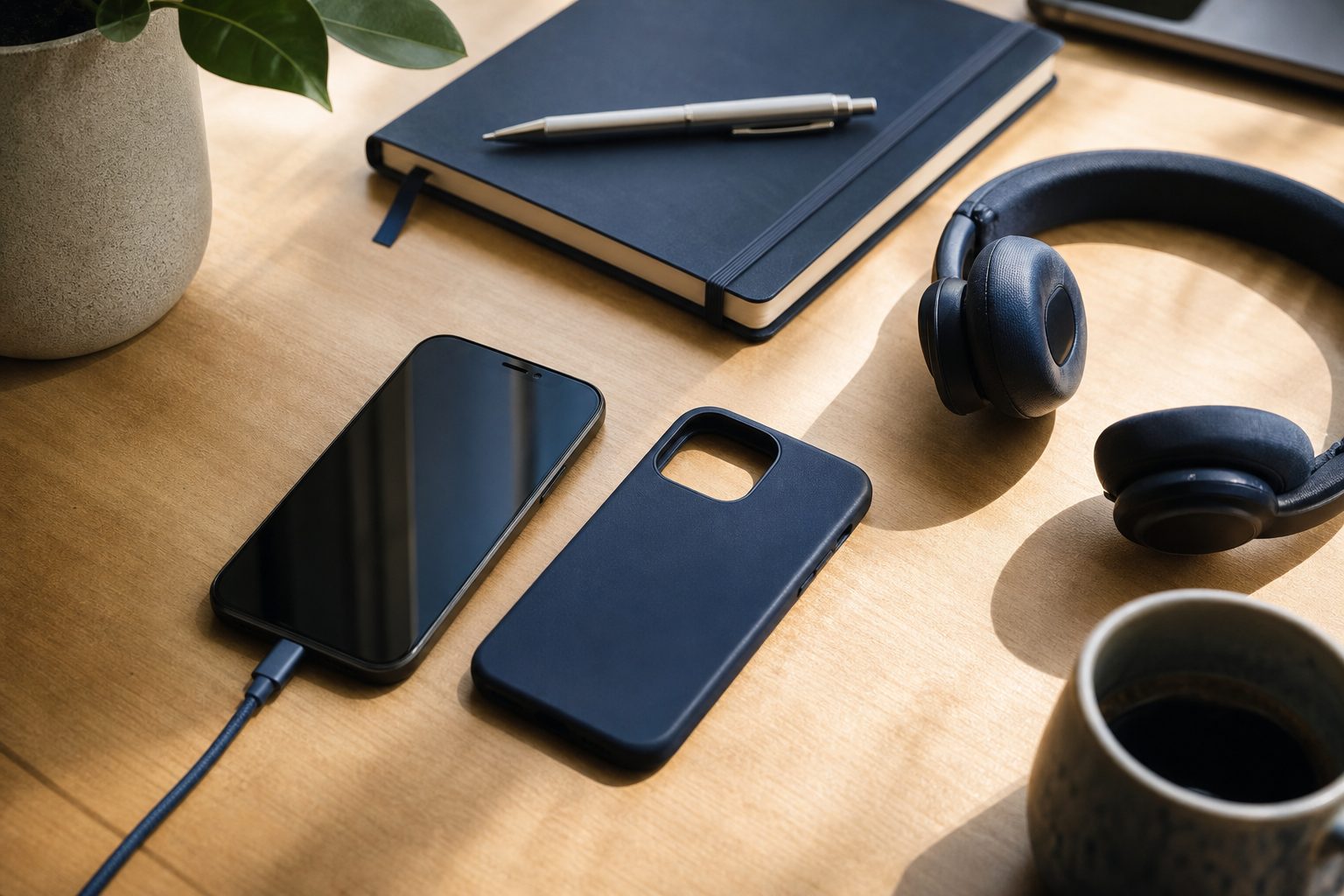
The most useful desk accessory is the one that removes a recurring snag. Watch your routine for one workday: where does the phone land when you sit down, where does the cable bend, and which device is always searching for a free socket? Place the charging point where the device naturally rests, rather than forcing the device to live beside the outlet.
For a phone, a short cable can keep a surface tidy if the socket is close. For a monitor or a wall outlet behind the desk, extra length is useful, but coil the surplus loosely rather than folding it sharply. Repeated tight bends concentrate stress at the connector and are a common reason a cable starts cutting out.
Give each daily object a home: phone, headphones, notebook and one spare charging cable. This is not about an elaborate organization system. It is about reducing the number of places a small device can disappear. A shallow tray or open stand often works better than a closed drawer because it keeps the charging action visible.
Do not bury a charging phone under papers or fabric. Heat needs a path away from the device, especially when navigation, video calls or a demanding app is running at the same time. Likewise, do not route cables across the edge where your wrist rests. A gentle side route with a little slack is easier on the cable and on your attention.
Measure the route with a piece of string, then add a small service loop. Most desks need less than people think.
Prefer an open design if you often charge while using the phone. It leaves the connector and airflow accessible.